
Activate your digital banking and choose the better option.
Activate your digital banking and choose the better option.
The Internet Banking of API Bank a.d. Beograd is aimed at facilitating banking services without visiting an office − in the comfort of your home or any location with an internet connection.
E-banking is a service that saves you time and money while giving a chance to manage your personal and family finances in a fast, efficient, and simple manner.
Internet banking provides unrestricted access to banking services and products regardless of working hours and location utilizing all security standards that enable a safe internet connection.
- Transfer Service - After registering your mobile phone number for the Prenesi service, you can transfer funds to another registered Prenesi service user.
- Limit Change - You can change your limits without visiting a branch. Through online banking channels, you can adjust spending limits separately for POS terminals and ATMs, both in the country and abroad.
- Card Blocking - In case of card loss or suspected misuse, you can temporarily block your card through online banking channels.
- M-banking Blocking through E-banking - In case of mobile phone loss or suspected misuse, you can block your mobile banking account through the electronic banking channel (E-banking).
- Russian Language - In addition to the existing languages, Serbian and English, you can also use online banking channels in Russian.
- Communication with the Bank - You can communicate with the Bank through online banking channels.
- Card and Card Transaction Overview - Through online banking channels, you can view all your cards issued by API Bank, both debit and credit cards, card transactions, card statuses, and other card-related details.
- M-banking Redistribution through E-banking - If you block your mobile banking account, you can perform redistribution through E-banking, after which you will receive new activation codes for M-banking.
Your bank card supercharged with technology
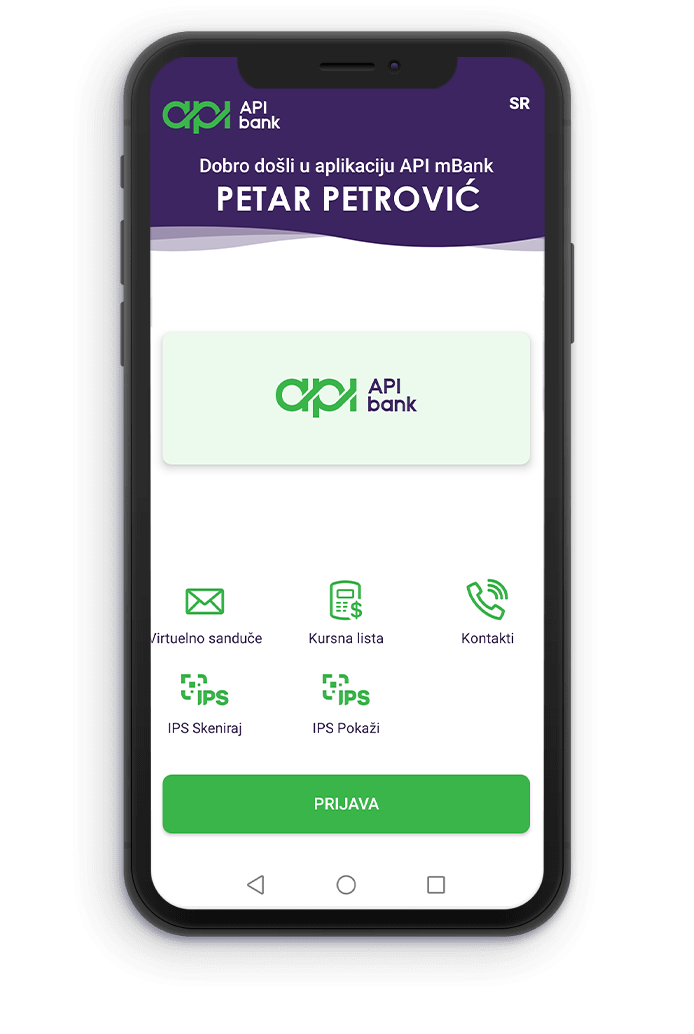
Get access to all services of our bank:
- balance details of all cards, accounts, and deposits
- templates for fast payments
- currency exchange
- opening deposits

You can use the TRANSFER service for instant fund transfers via a registered mobile phone number.
Within online banking channels, and provided that you are a resident, you only need to link the mobile phone number registered for online banking services with your current account held with the Bank.
You can use the TRANSFER service to transfer funds to other registered users. You can also use the TRANSFER service to receive funds based on your registered mobile phone number.
Instructions for using the TRANSFER service are available here.

You can now pay your bills much faster by scanning the QR code displayed on the bill, as well as make payments at points of sale or online using the Scan or Show option.
To use the IPS QR code payment functionality, you need to install the latest version of the application. For iOS users, the application is available on the App Store, while Android users can download it from the Google Play Store.
Android users can install the latest version of the application by clicking this link.
Instructions for using the IPS QR code functionality are available here.
Online shopping on websites that support Deep Link payments is now even easier. After selecting the payment option, you will be automatically redirected to the API mBank application, where you can confirm the transaction in just a few steps, without manually entering payment details. Funds are transferred directly from your account to the recipient’s account within seconds. Fast, secure, and convenient.
IPS payments at online merchants can be completed using a single device - a mobile phone or any other device on which you have installed your mobile banking application and from which you access the online store. The entire process is quick and simple, requiring only a few easy steps.
After selecting the desired products or services in the online store, choose IPS SCAN as your payment method on the checkout page. Then, select the bank whose mobile banking application you use from the drop-down list and click PAY. If the online merchant allows you to predefine your bank within your user account settings, simply click PAY.
By clicking PAY, the mobile banking application on your device will automatically launch. All payment details required to complete the transaction will be displayed on the screen. Once you confirm the transaction using the standard authentication process, the payment is completed. The process following the PAY button is identical to the payment process initiated by scanning an IPS QR code.
Deep Link payments provide a practical and modern solution for online shopping, enabling you to complete the entire purchase and payment process on a single device, anytime and from anywhere, without additional steps or the need to use multiple devices.
E-banking

- Payment – external and internal
- Overview of the balance of transaction, savings and credit accounts
- Insight into the loan balance with a loan repayment plan
- Overview and insight into the credit card balance
- Overview of turnover and current account statements and credit cards
- Performance of exchange transactions (according to API Bank a.d. Beograd)
- Internal transfer of funds within their parties (settlement of credit card obligations and miscellaneous …) except for term deposits and services where the client’s presence is necessary
- Download the necessary documentation and save it to your computer.
- Fill in the data and save the filled document.
- You may then print the saved document, or send it electronically.